Reliable everyday power starts long before a remote stops responding or a camera misses a moment. Powerology Neon Smart Battery Charging Case - Black gives rechargeable cells a dedicated place to charge, store, and stay easy to check. It is designed for up to eight AA or AAA batteries, and it arrives with eight rechargeable AA batteries, making it a practical starting point for households and workspaces with several battery-powered essentials.
One important compatibility note comes first: despite searches for a magnetic phone case charger or phone charging accessory, this product is not a phone charging case. It is a smart charging and storage case for compatible AA and AAA rechargeable batteries. That distinction matters for good phone battery care as well as general device safety: use the correct charger and battery type for every device, rather than trying to make one accessory do a job it was not made to do.
This guide explains how to choose it for the right routine, load it thoughtfully, read its status information, and build safer habits around the batteries that keep remotes, cameras, toys, and other household gadgets ready.
Choose the Right Charger for the Batteries You Actually Use
The first rule of everyday device safety is simple: match the charger to the battery format and chemistry. The Powerology case supports one to eight AA/AAA batteries and is compatible with AA/AAA Ni-MH/Ni-CD 1.2V cells and AA/AAA Li-ion 1.5V cells. That makes it relevant when your regular devices depend on those common replaceable sizes.
Before charging, check both the battery label and the device instructions. Confirm the battery is AA or AAA, rechargeable, and within the stated compatible types. Do not treat a physical fit as proof of compatibility. A careful check protects your gear from avoidable mismatches and keeps your charging routine clear, especially in a drawer where different batteries can accumulate.
Choosing the right tool also means setting the right expectation. The case’s included AA cells can support familiar battery-powered gadgets, while a smartphone needs its own appropriate charging solution. Keeping those systems separate is a useful foundation for phone battery care: phones, replaceable batteries, and their chargers each deserve the equipment intended for them.
Make Battery Storage Part of the Safety Plan
Loose batteries are easy to misplace, difficult to identify, and tempting to mix with cells of unknown charge. A dedicated case brings order to that routine. The compact Powerology charging case combines charging and storage in one place, helping keep up to eight compatible batteries together instead of scattered across drawers, bags, or work surfaces.
That organization has a practical benefit: it makes it easier to create a repeatable check-in habit. Keep rechargeable AA and AAA cells in the case, return them after use when appropriate, and consult the display before reaching for a replacement. You spend less time guessing which cells are ready and more time selecting power with confidence.
The housing is made from tough ABS plastic, suited to a tidy home or workspace setup. Still, a protective case is not a reason to be careless. Place it on a stable surface, avoid clutter around the charging area, and keep it where it can be checked easily. Good storage is not only about neatness; it supports a calmer, more controlled power routine.
Use All Eight Slots With a Deliberate Routine
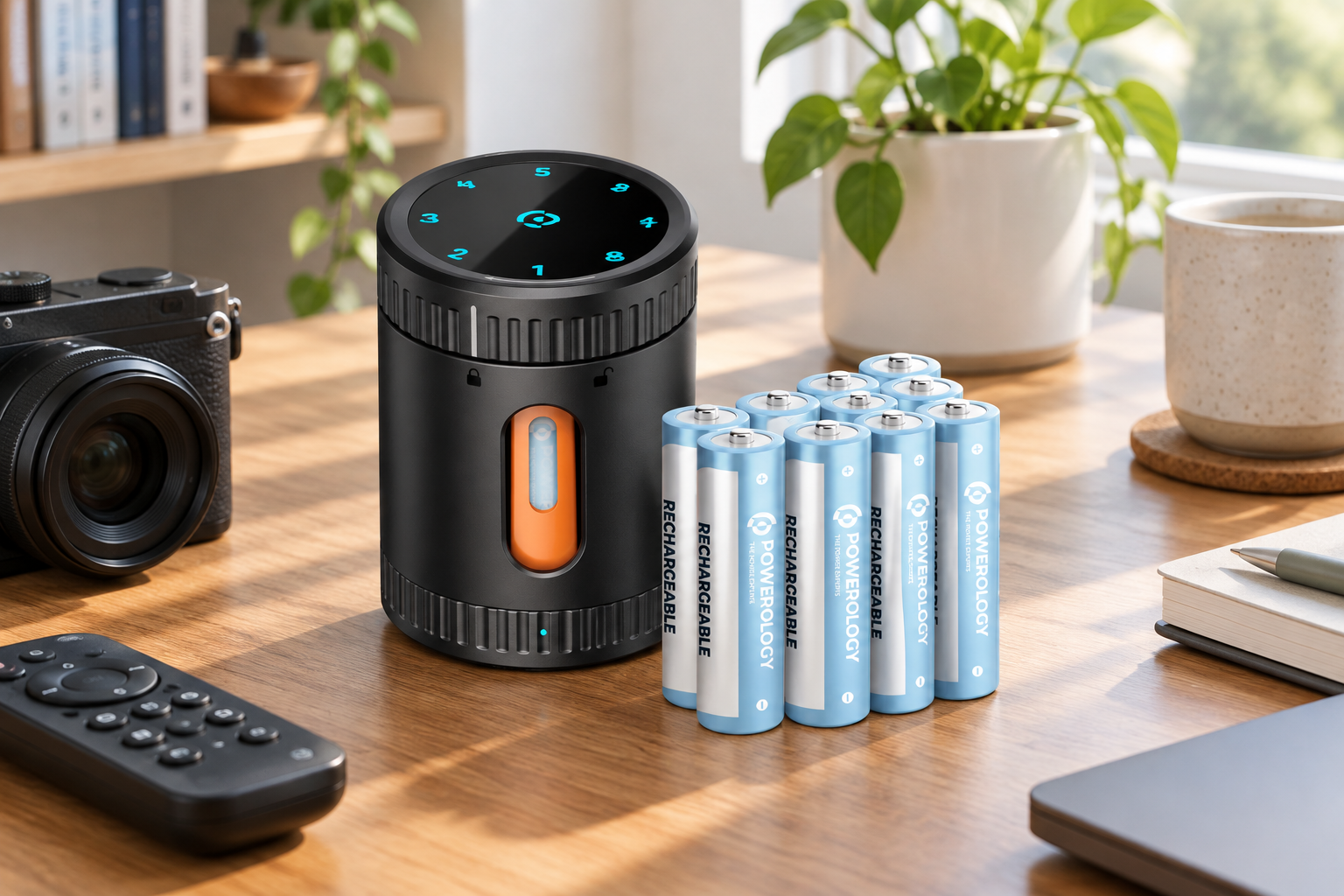
The case offers eight charging slots, so it can support a single replacement cell or a larger household refresh. Start by deciding what you need: perhaps batteries for a remote and a toy, or a fuller set for several gadgets. Charging only the compatible cells you plan to use keeps the process purposeful and easier to monitor.
Follow the battery markings and slot guidance carefully when placing cells in the case. Do not force a battery into position, and pause if a cell appears damaged, unusually worn, or unclear in type. The useful habit is not speed; it is consistent inspection before charging. A quick look at size, rechargeability, and condition can prevent a lot of uncertainty later.
For a shared household, assign a simple routine: gather used rechargeable cells in one agreed place, check them, then return ready cells to the devices that need them. This reduces the common cycle of mixing old and newly charged batteries. It also makes the eight-slot capacity feel genuinely useful rather than simply larger—there is room to manage several everyday needs in one organized session.
Give USB-C Charging the Right Conditions
The Powerology case uses a USB-C charging interface with a stated 5V/2A input. Use a suitable power source and cable, then give the case a stable, open place while it charges. The goal is straightforward: avoid turning charging into an afterthought hidden under papers, cushions, or crowded items.
Temperature is equally important. Its specified operating range is 0°C to 35°C. Charge within that range and avoid leaving the case in conditions outside it. Choosing a sensible indoor location helps support the product’s safe-temperature charging design and makes the LED information easy to see when you pass by.
Built-in safeguards help the case prevent overcharging, but safeguards work best alongside thoughtful use. Check the setup when you begin, avoid using questionable batteries, and do not assume every rechargeable cell is interchangeable. These small steps are the heart of effective charging case tips: use compatible batteries, use the stated input, and keep the environment appropriate.
Let the LED Display Replace Guesswork
A battery routine becomes much easier when you can see its status. The case’s LED display shows charging status, giving you a direct reason to check rather than relying on memory. Make a habit of looking at it before loading batteries into a device, particularly for gadgets you want ready without notice.
That visibility is valuable because it encourages better timing. Instead of repeatedly opening a battery compartment to test possibilities, you can use the charging case as your central point of reference. This is especially helpful for batteries used across remotes, cameras, toys, and other household gadgets, where the same size can otherwise move between many places.
The display also supports more deliberate storage. When a set is ready, keep it organized until needed instead of mixing it immediately with batteries whose status you do not know. Visible charging status is a simple feature, but it helps turn charging from a guessing game into a routine you can follow at a glance.
Protect Battery Life Through Consistent Habits
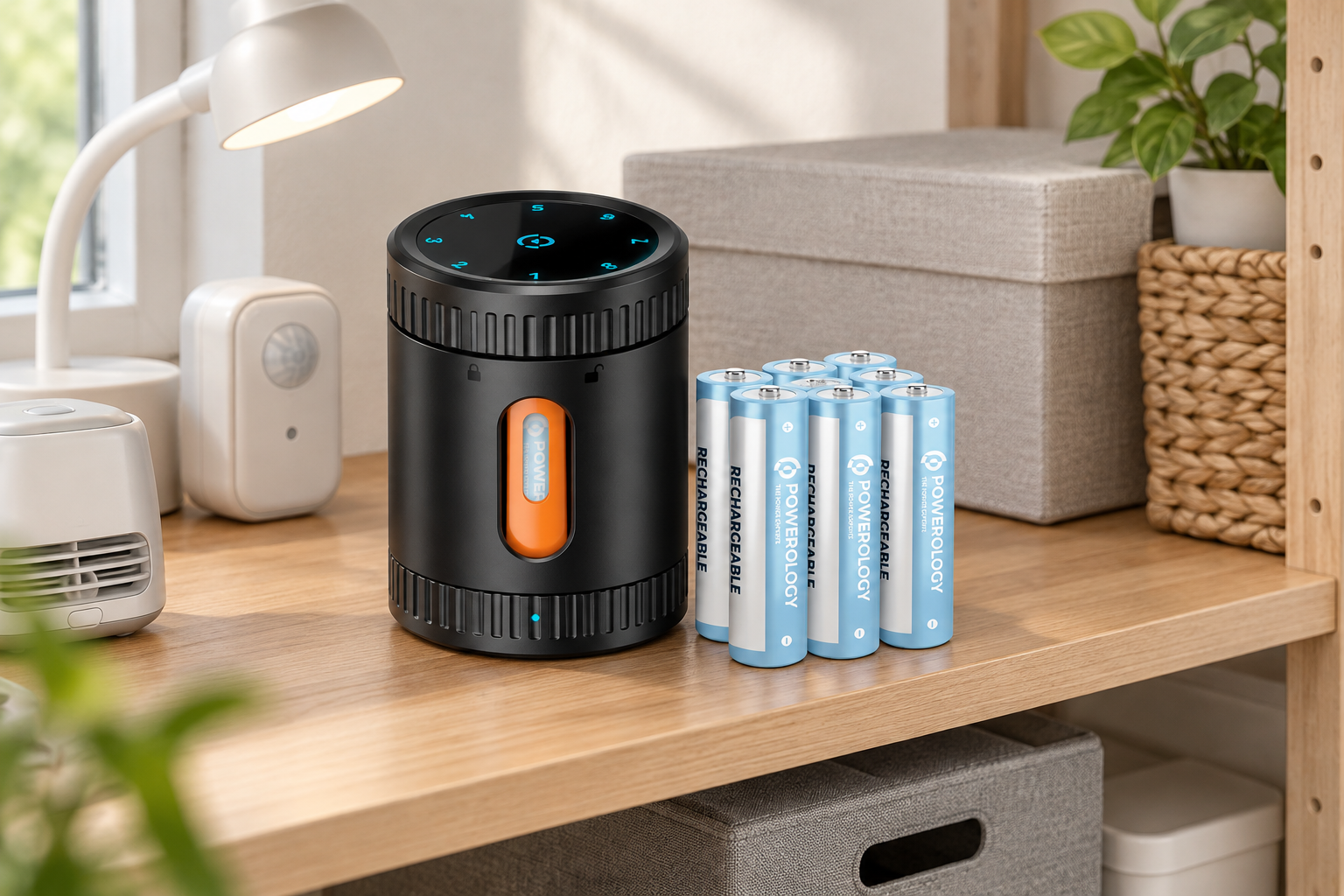
Each included rechargeable AA battery is rated for up to 500 recharge cycles. That long-term potential is best supported by a careful routine, not by treating batteries as disposable. Recharge compatible cells with the right equipment, store them in an orderly way, and avoid losing track of which batteries are intended to work together.
For devices that use multiple cells, it is sensible to keep a set together where possible. This makes replacement easier and reduces confusion when batteries return for charging. Label-free organization can be as simple as using the case as the home base and returning batteries from the same device at the same time.
Do not confuse battery longevity with an invitation to ignore condition. If a battery looks damaged or you are unsure whether it is compatible, do not charge it just to see what happens. Careful selection, proper storage, and the case’s charging safeguards work together. The result is a more dependable supply of rechargeable power for the devices that rely on it.
Keep Phone Care and Replaceable-Battery Care Separate
Search terms can blur categories, so it is worth repeating the boundary clearly. The Powerology Neon Smart Battery Charging Case charges compatible rechargeable AA and AAA batteries; it does not charge a smartphone and it is not a magnetic phone case charger. Do not attempt to use it as a phone accessory or substitute it for a phone’s specified charging method.
Good phone battery care follows the same bigger principle: choose accessories made for the device and use them as intended. Your phone should use its appropriate charging setup, while AA and AAA-powered household items can benefit from an organized rechargeable-battery system. Separating these jobs makes compatibility easier to understand and reduces avoidable mistakes.
There is still a useful connection between the two routines. Both reward attention: use compatible power, check charging conditions, avoid guesswork, and keep accessories organized. Once those habits are in place, the Powerology case can take care of the replaceable-battery side of your everyday setup without creating confusion about what it is designed to charge.
Build a Ready-to-Use Everyday Power Station
The best setup is one you will actually maintain. Give the case a consistent location in a home or workspace, near the gadgets that commonly need AA or AAA batteries but away from unnecessary clutter. Its compact design makes it easier to create that dedicated spot without giving up much room.
A practical rhythm is to check the case after using a battery-powered device, recharge compatible cells as needed, and consult the LED display before an important use. With eight included rechargeable AA batteries and space for up to eight AA or AAA cells, the case can become a dependable hub for everyday replacements rather than an emergency-only accessory.
Ultimately, device safety is built from ordinary decisions made consistently. Choose the correct battery format, respect the 0°C to 35°C operating range, use the USB-C 5V/2A input, and keep charging status visible. The Powerology case brings those steps together in one organized place—helping your battery-powered essentials stay prepared while your phone charging remains safely in its own lane.