Description
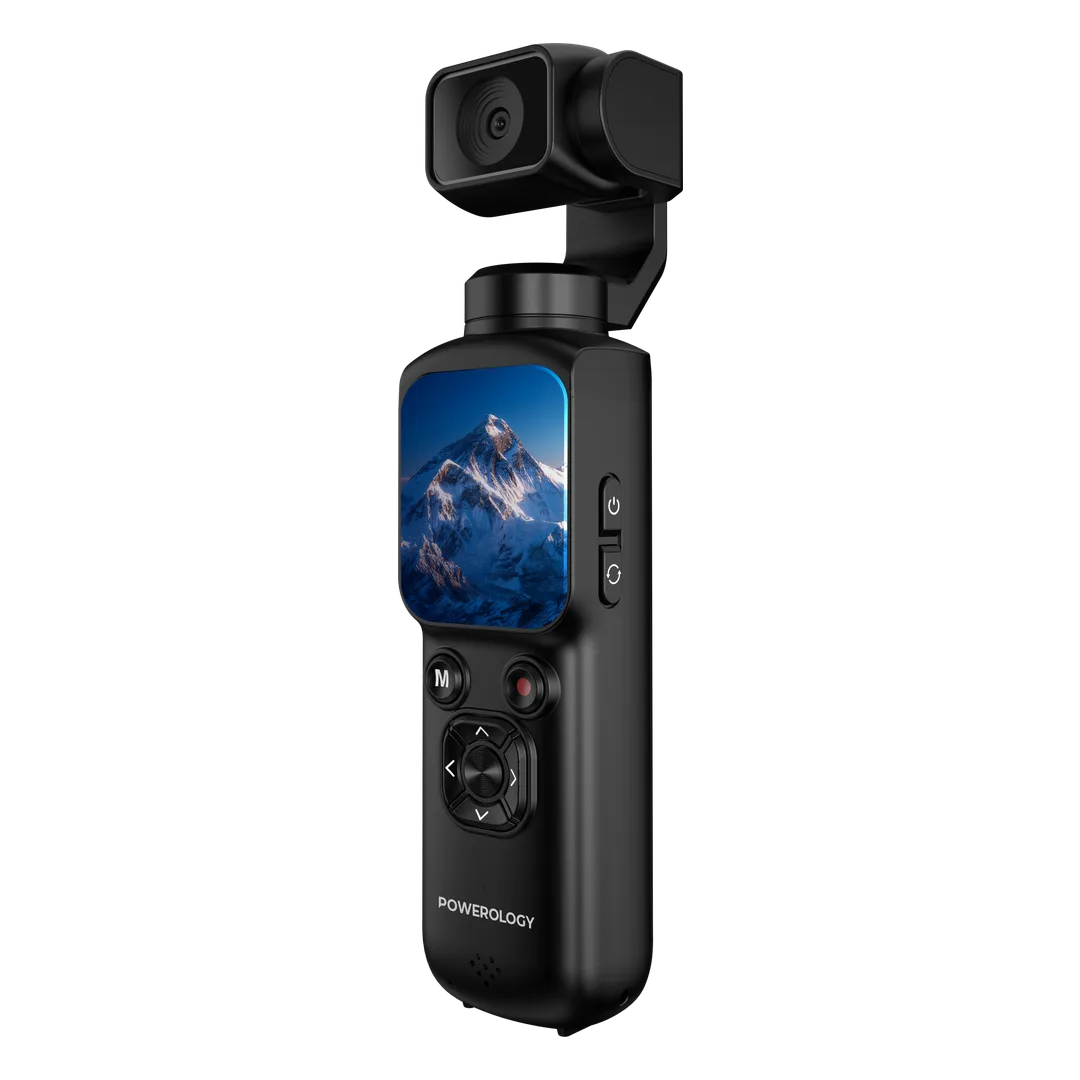
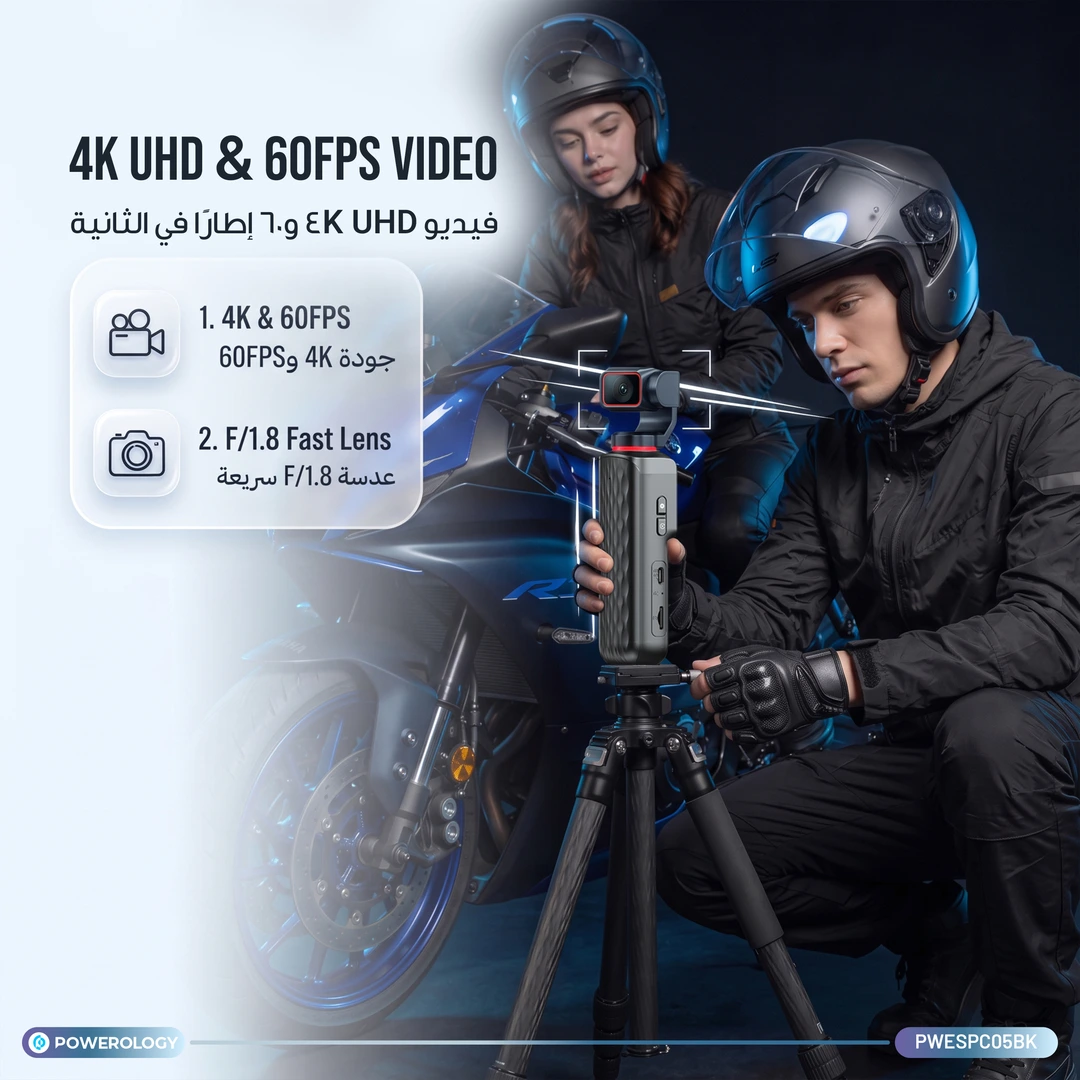
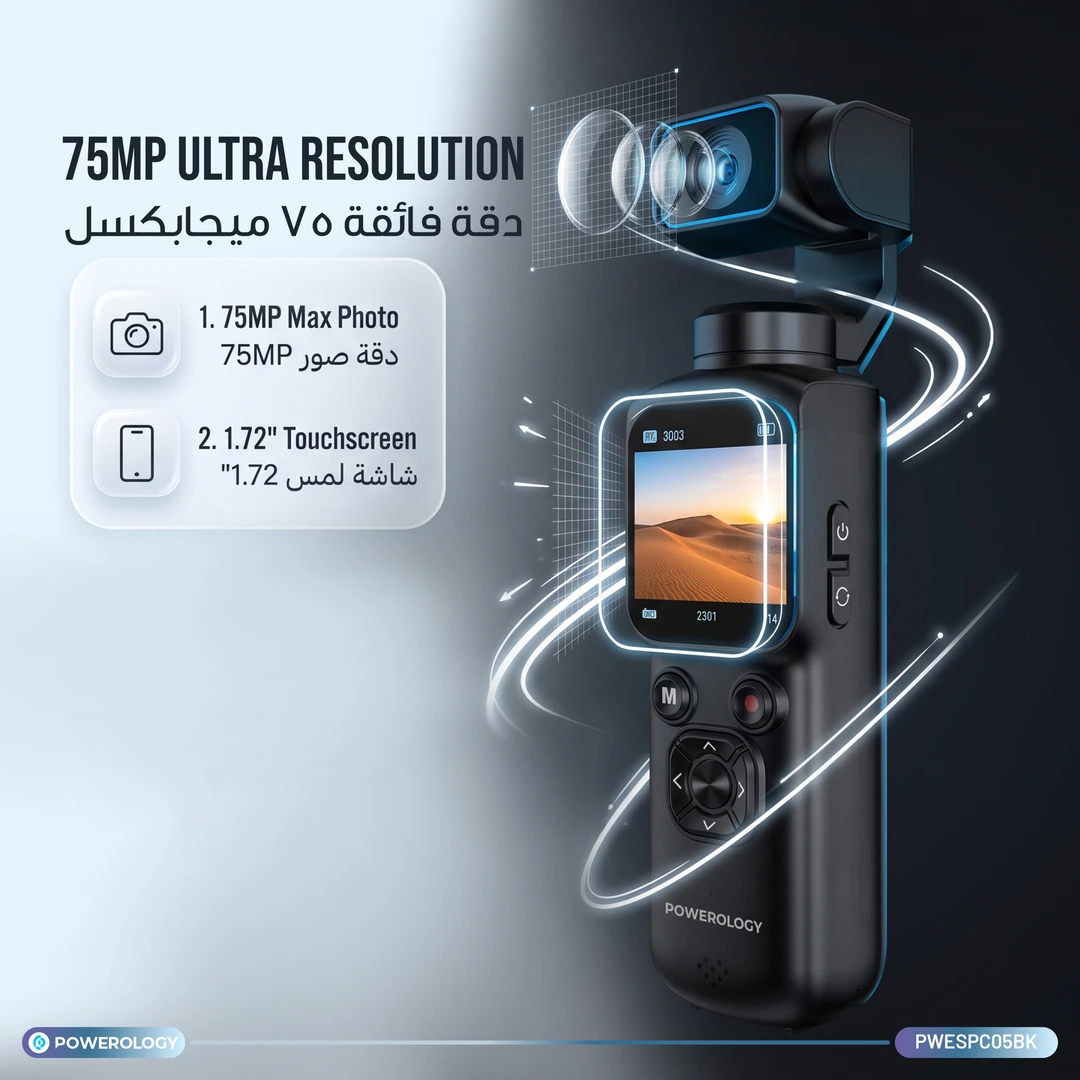
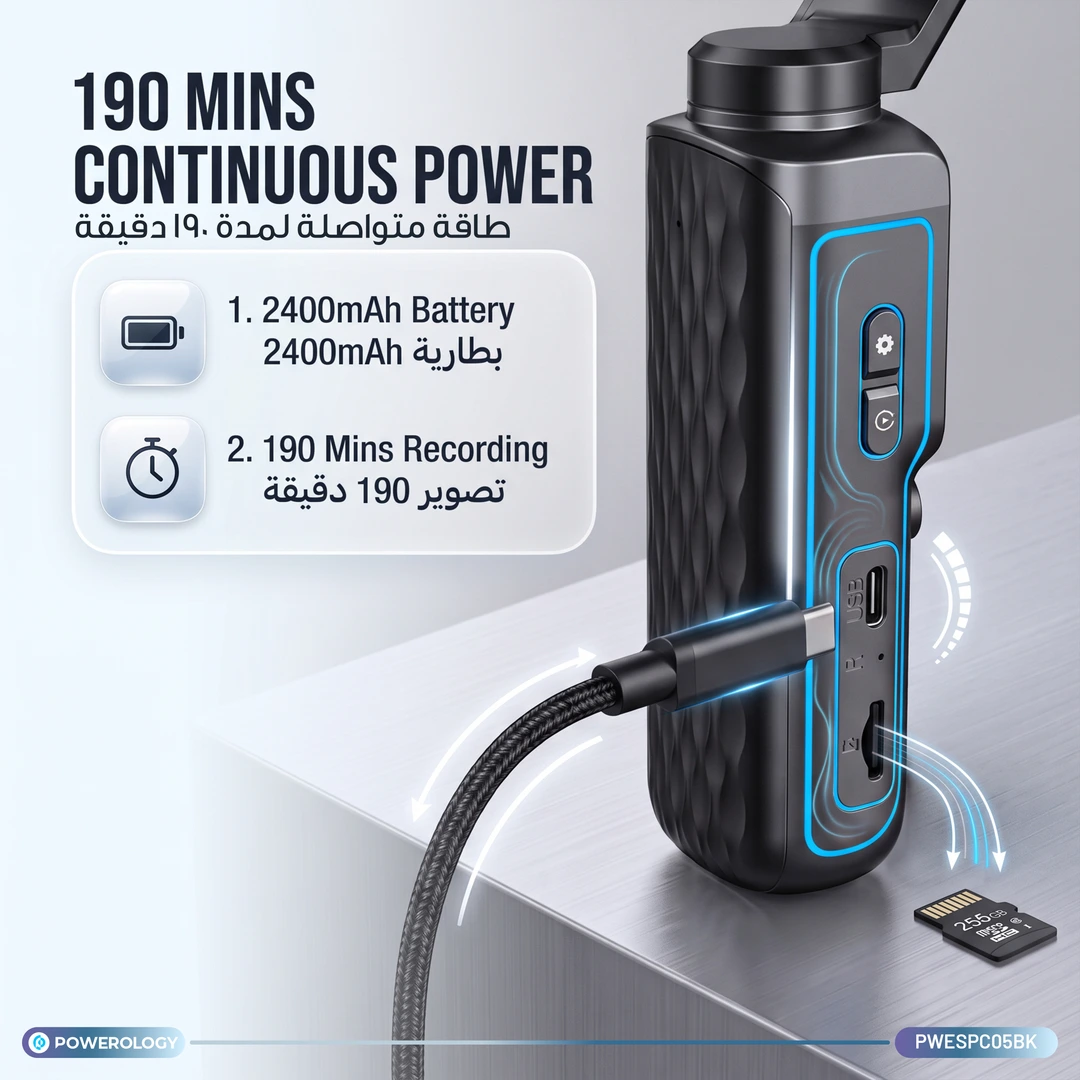
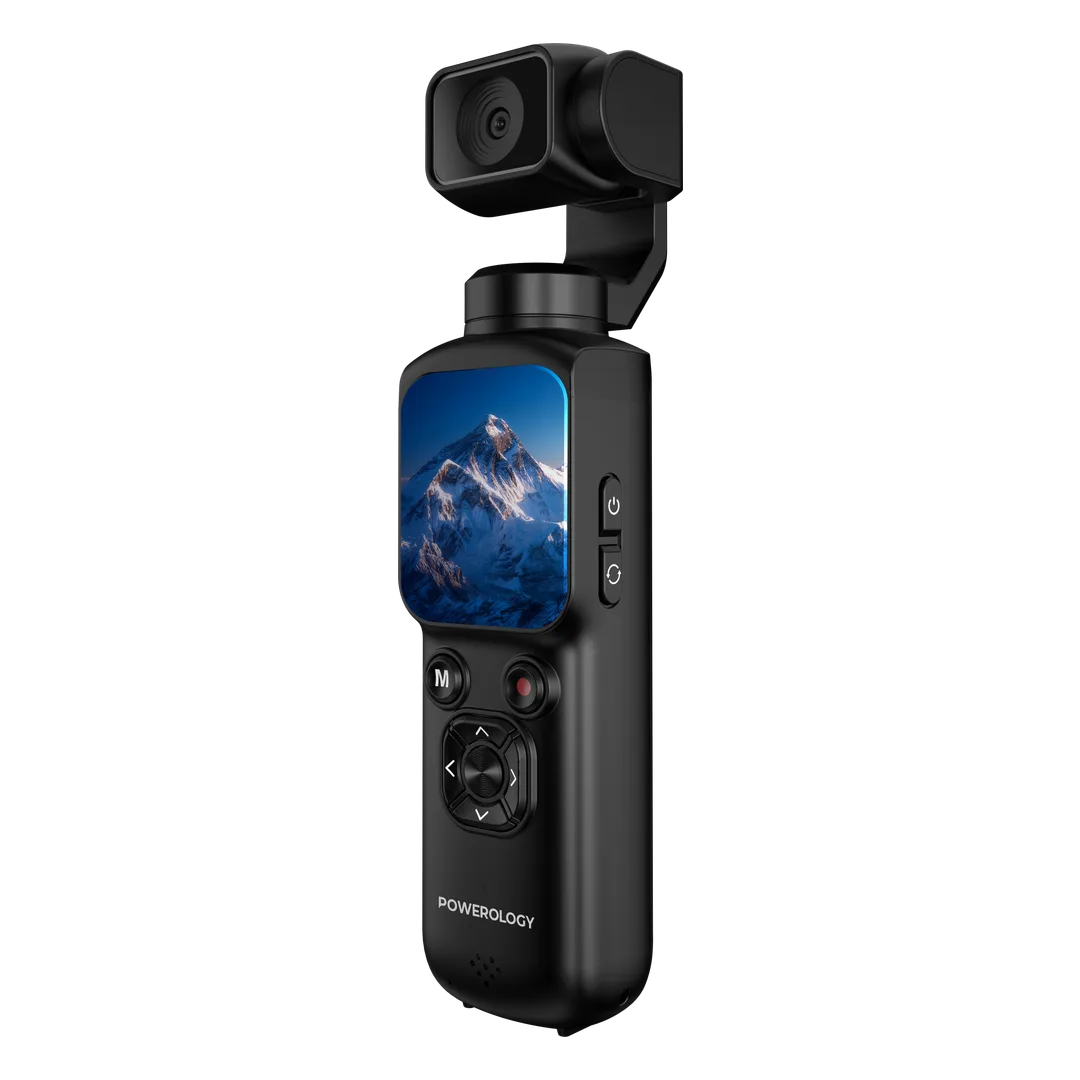
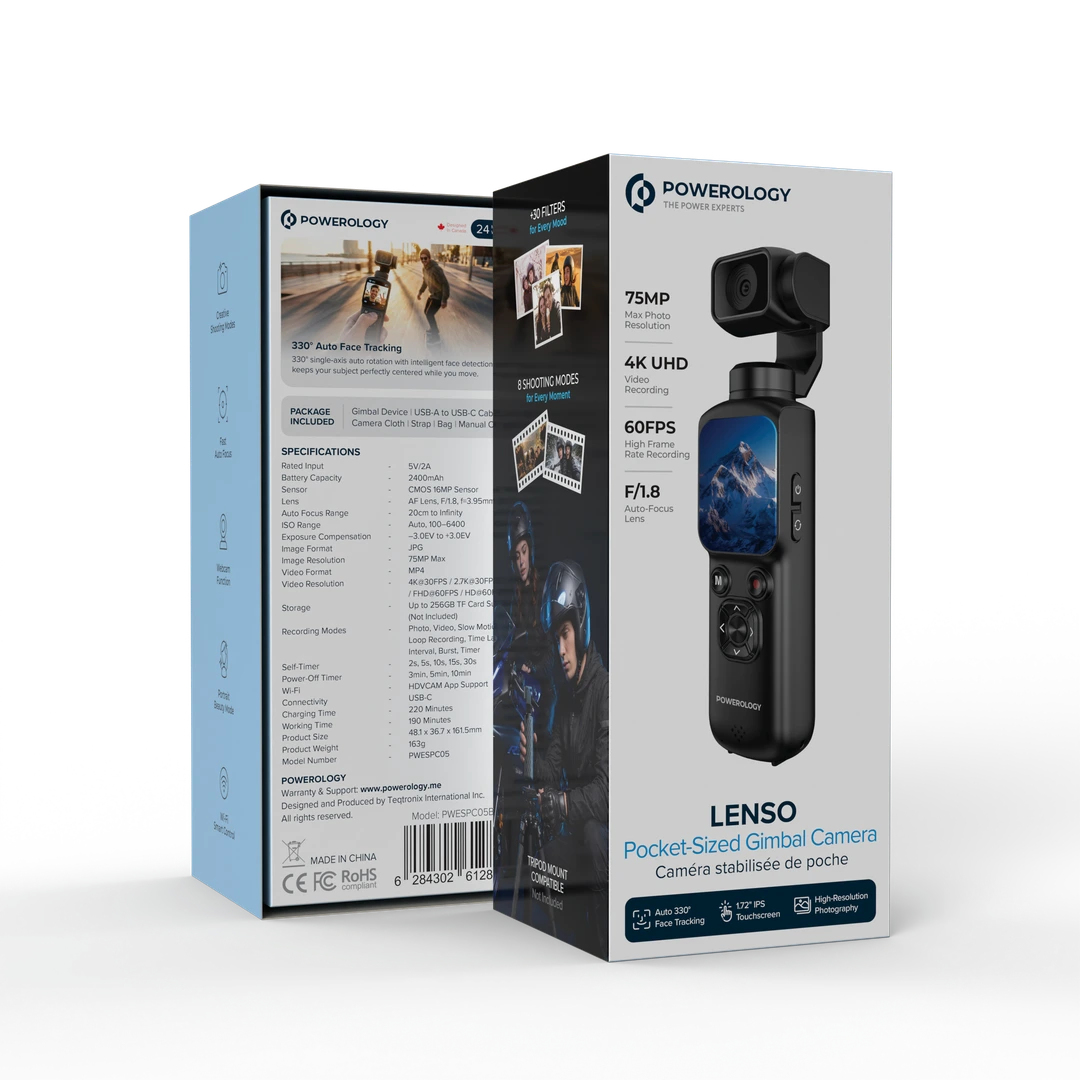
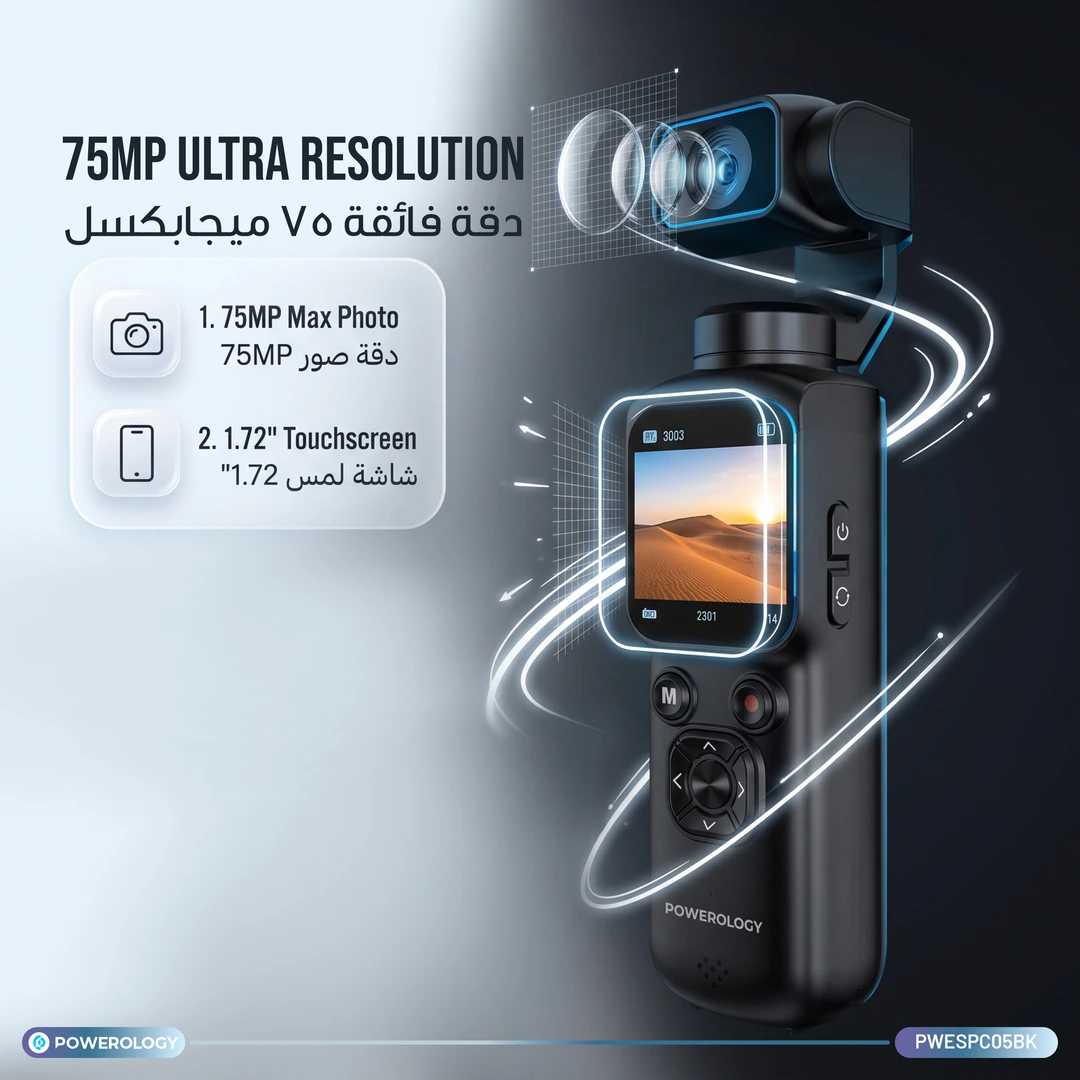
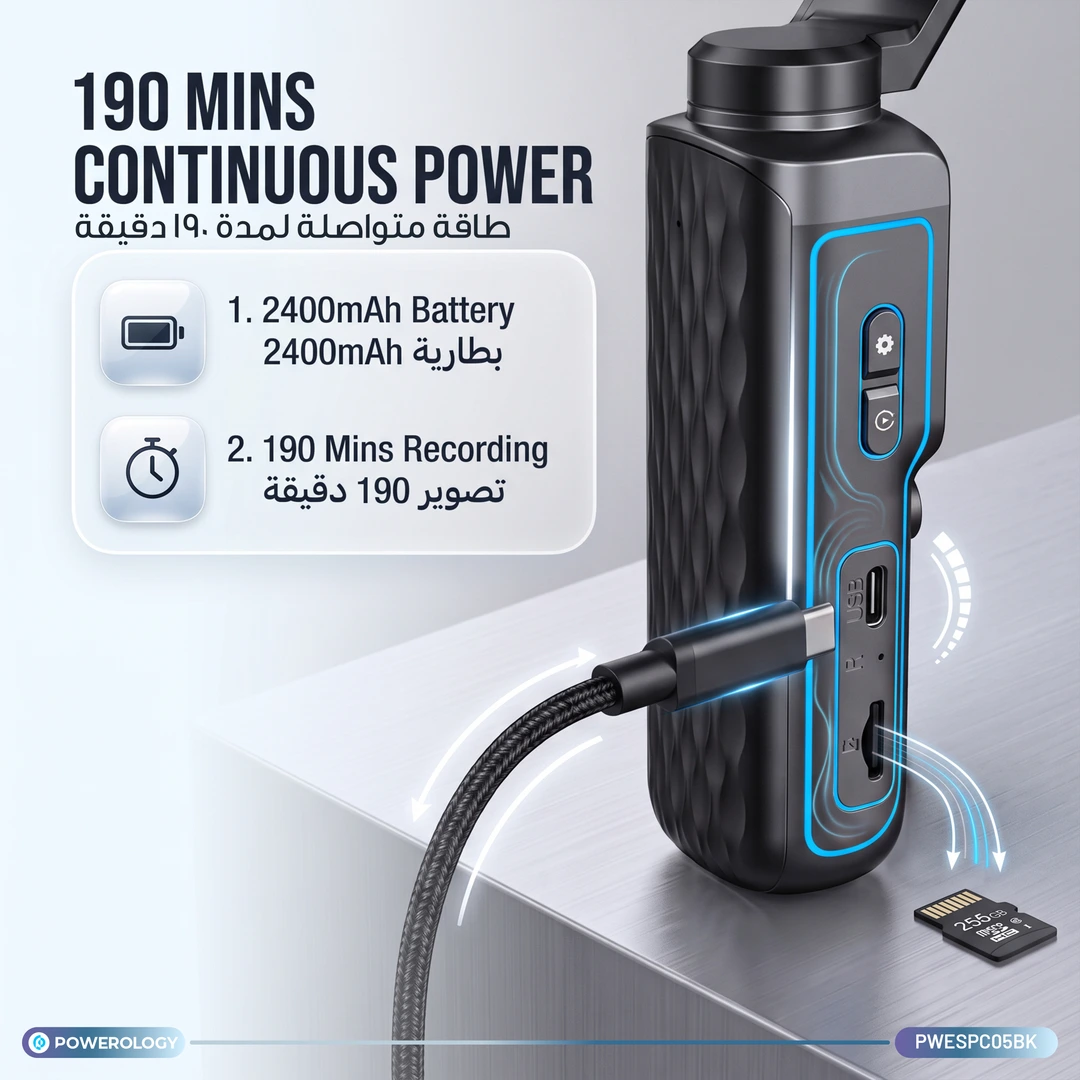
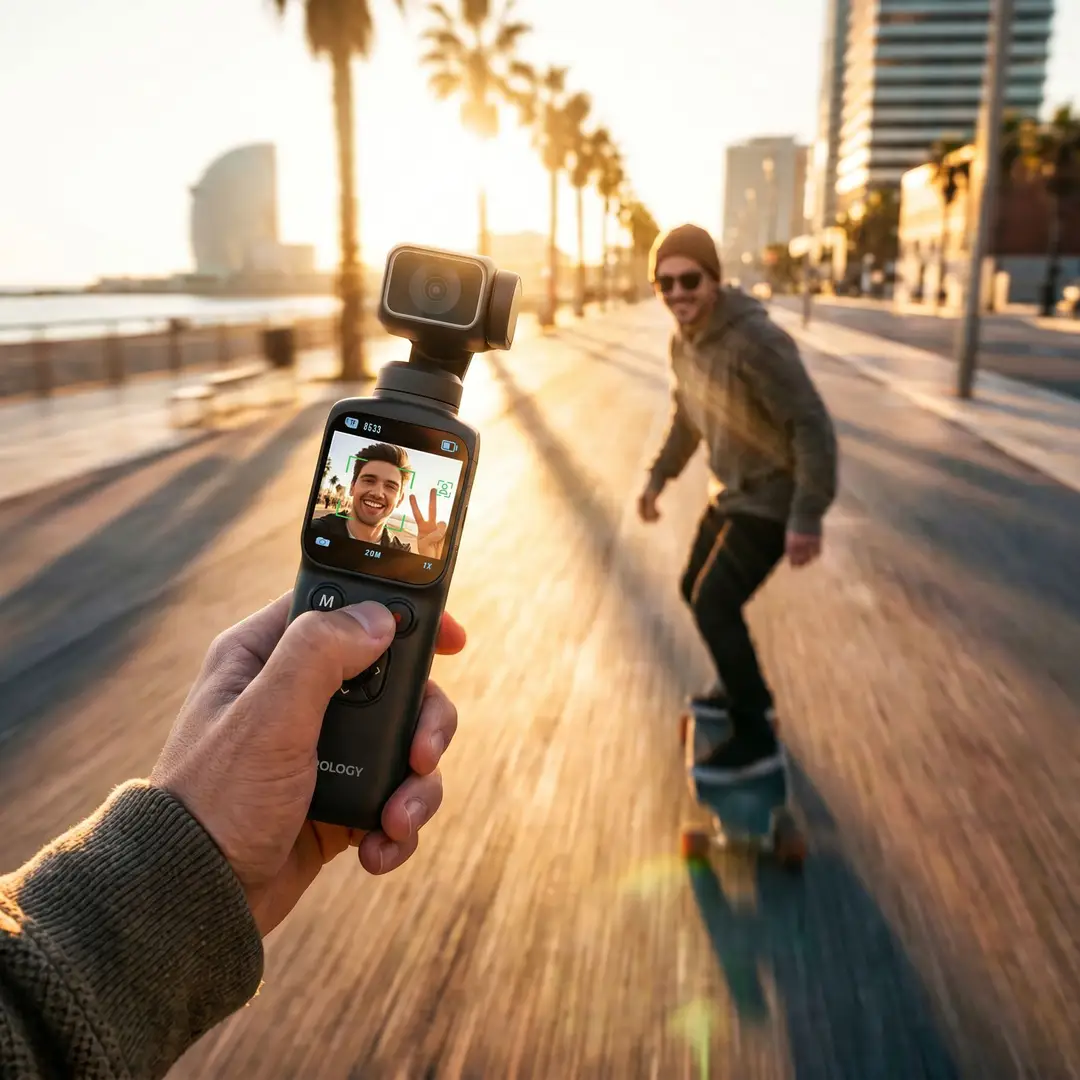
Capture every shot with the Powerology Lenso Pocket Gimbal Camera, made for creators and travelers wanting a compact, high-quality video tool. It has a 16MP CMOS sensor and AF lens that snap sharp photos and record 4K video at 30FPS, letting you create detailed footage wherever life takes you. The 1.72-inch IPS touchscreen helps you switch settings and preview shots with ease. Its smart 330° single-axis rotation with face tracking keeps your subject framed smoothly while you move. Powered by a 2400mAh battery, it runs up to 190 minutes and recharges fast through USB-C. Multiple shooting modes like slow motion, time-lapse, burst, and portrait beauty give you creative control. The camera supports TF cards up to 256GB (card sold separately) and connects with the HDVCAM app over Wi-Fi for remote control and easy sharing. Lightweight and portable, this camera suits vlogging, travel, and active shooting on the go.
Features
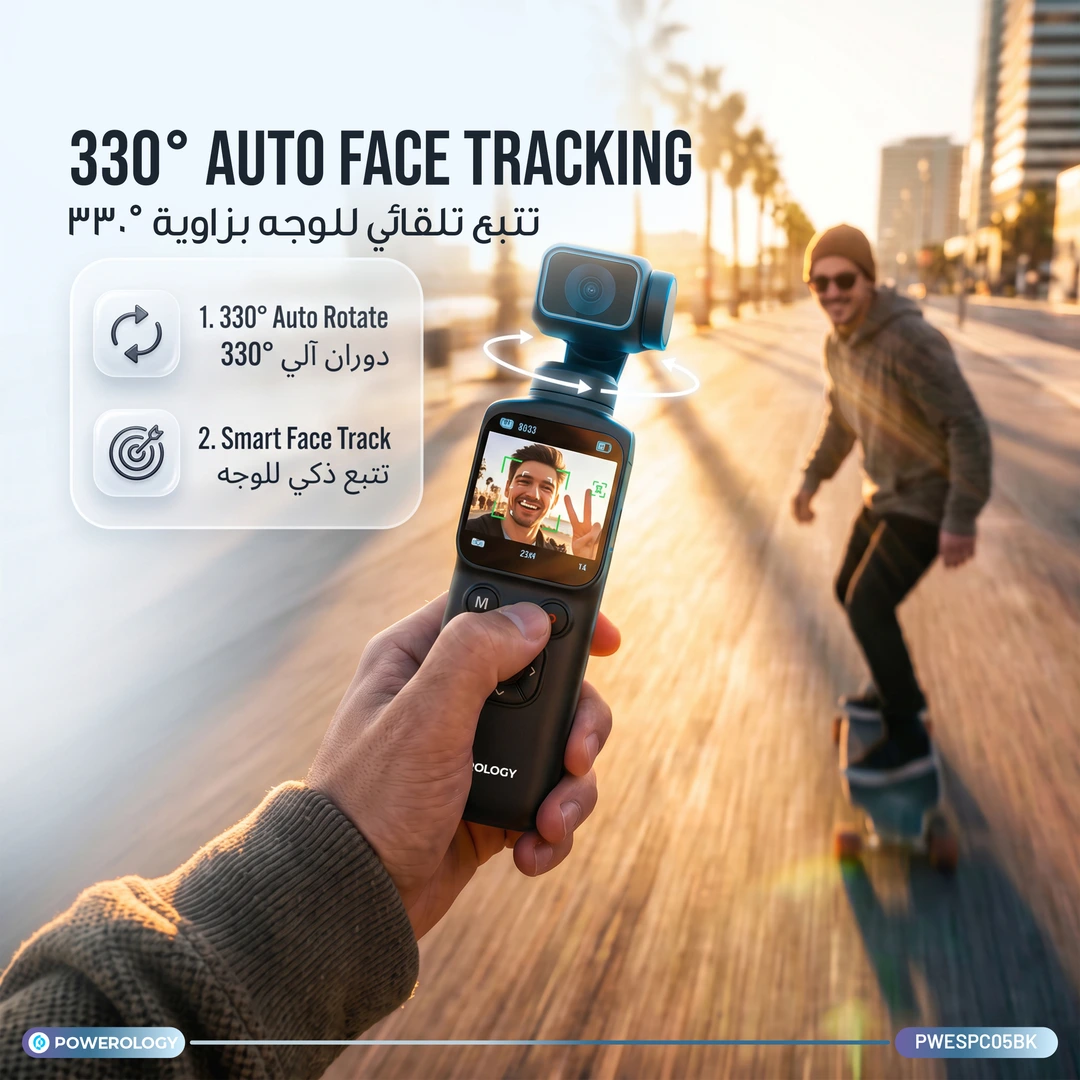
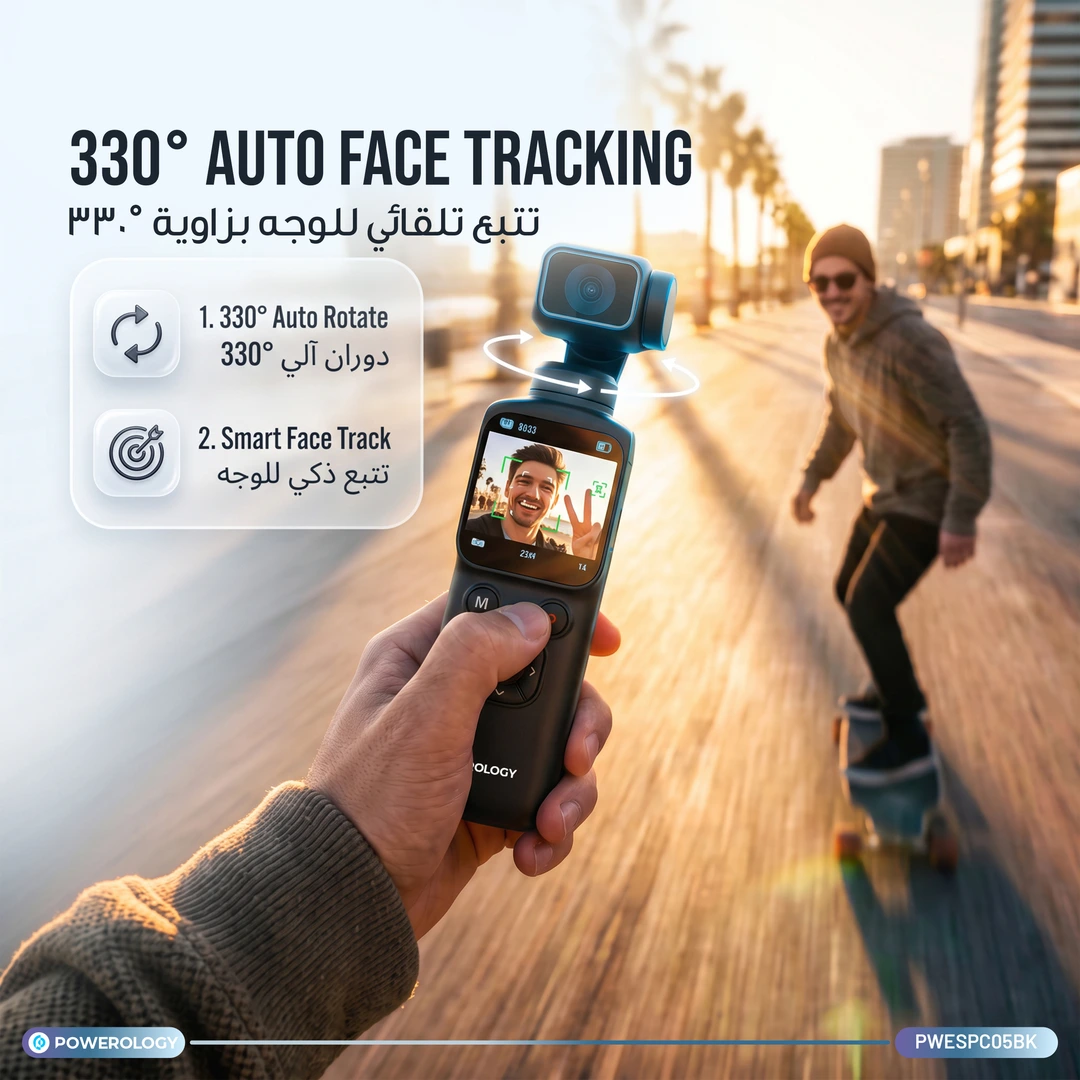
- Auto 330° Face Tracking
- High-Resolution Photography
- Creative Shooting Modes
- Fast Auto Focus
- Webcam Function
- Portrait Beauty Mode
- Wi-Fi Smart Control
- +30 Filters
- 8 Shooting Modes
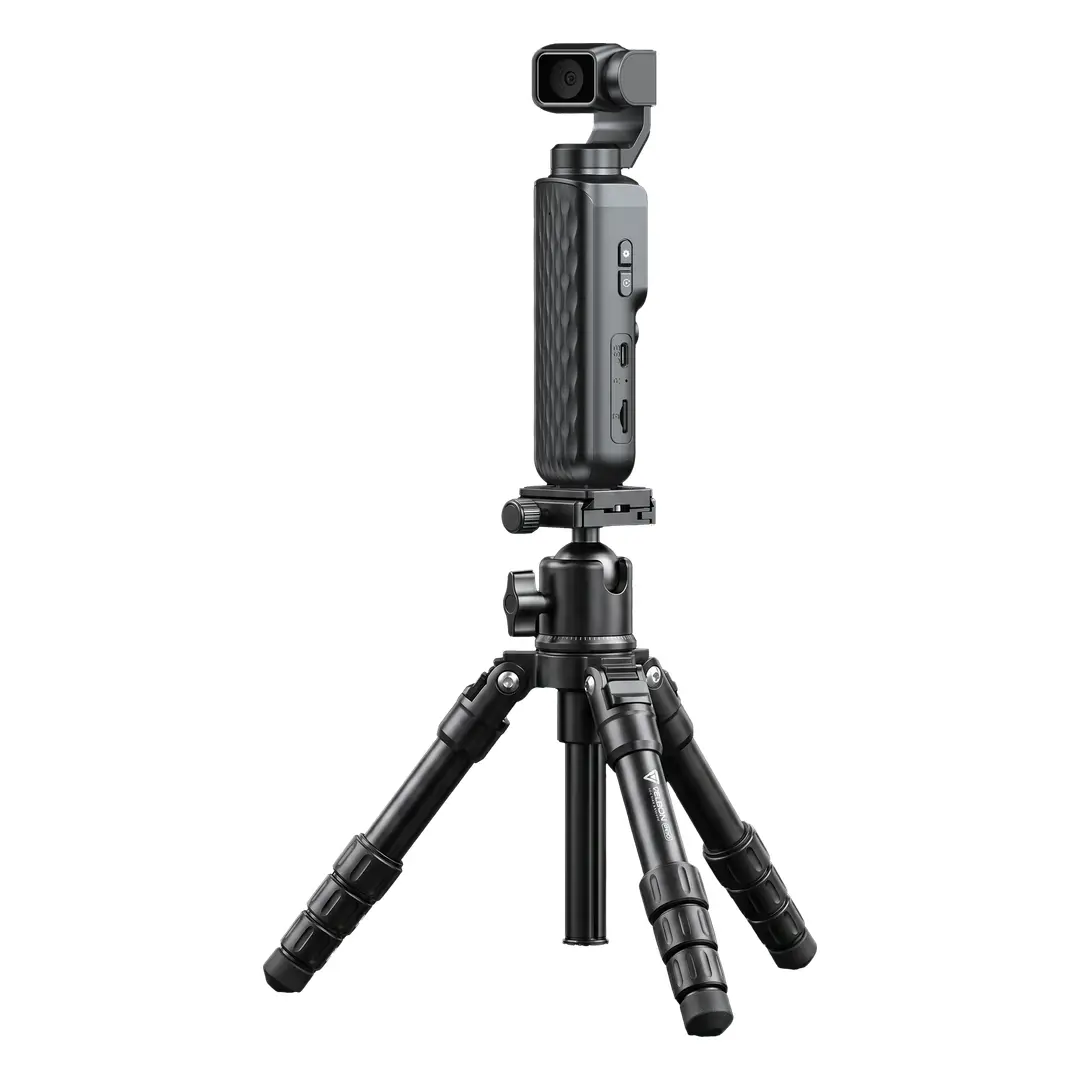
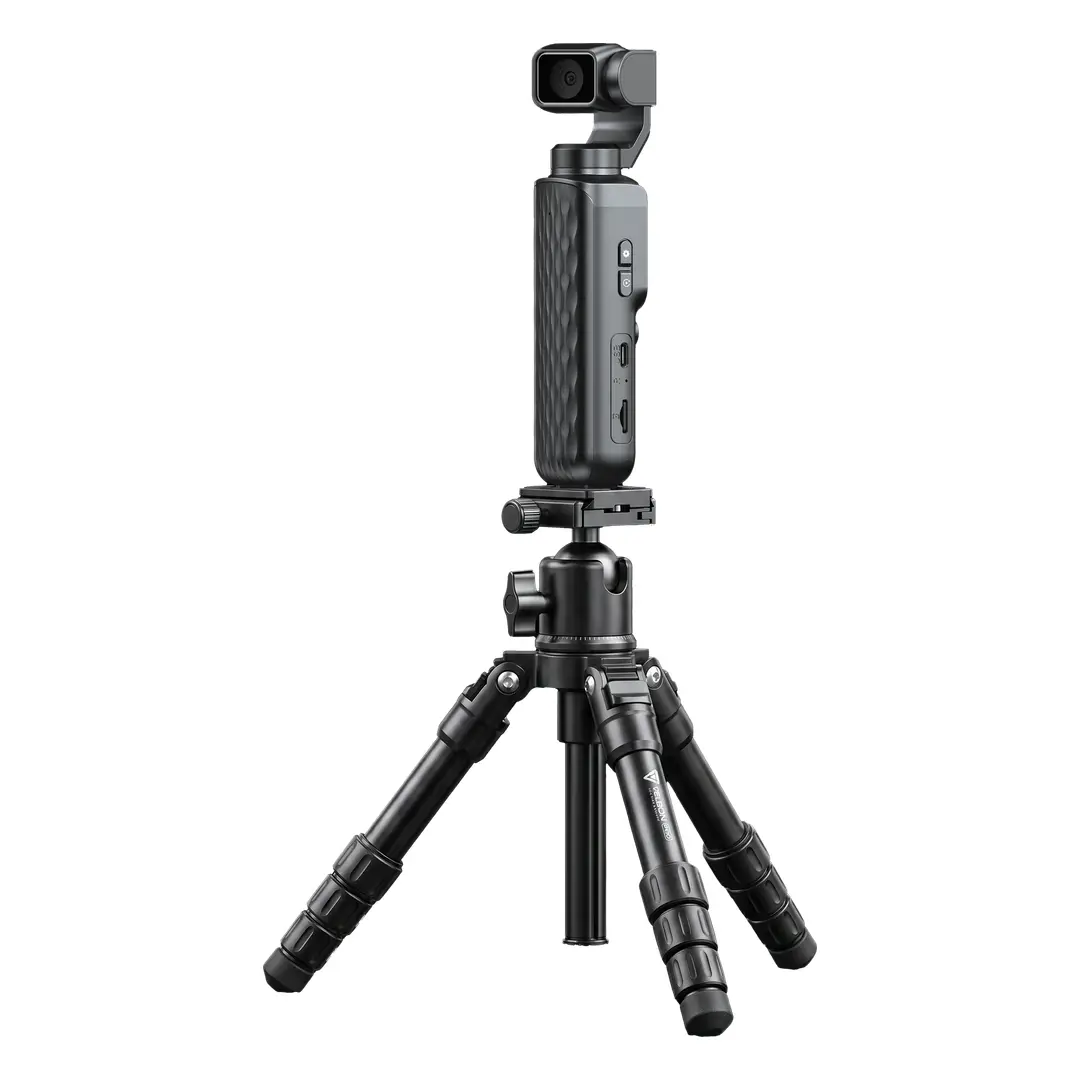
- Tripod Mount Compatible (Not Included)
Specification
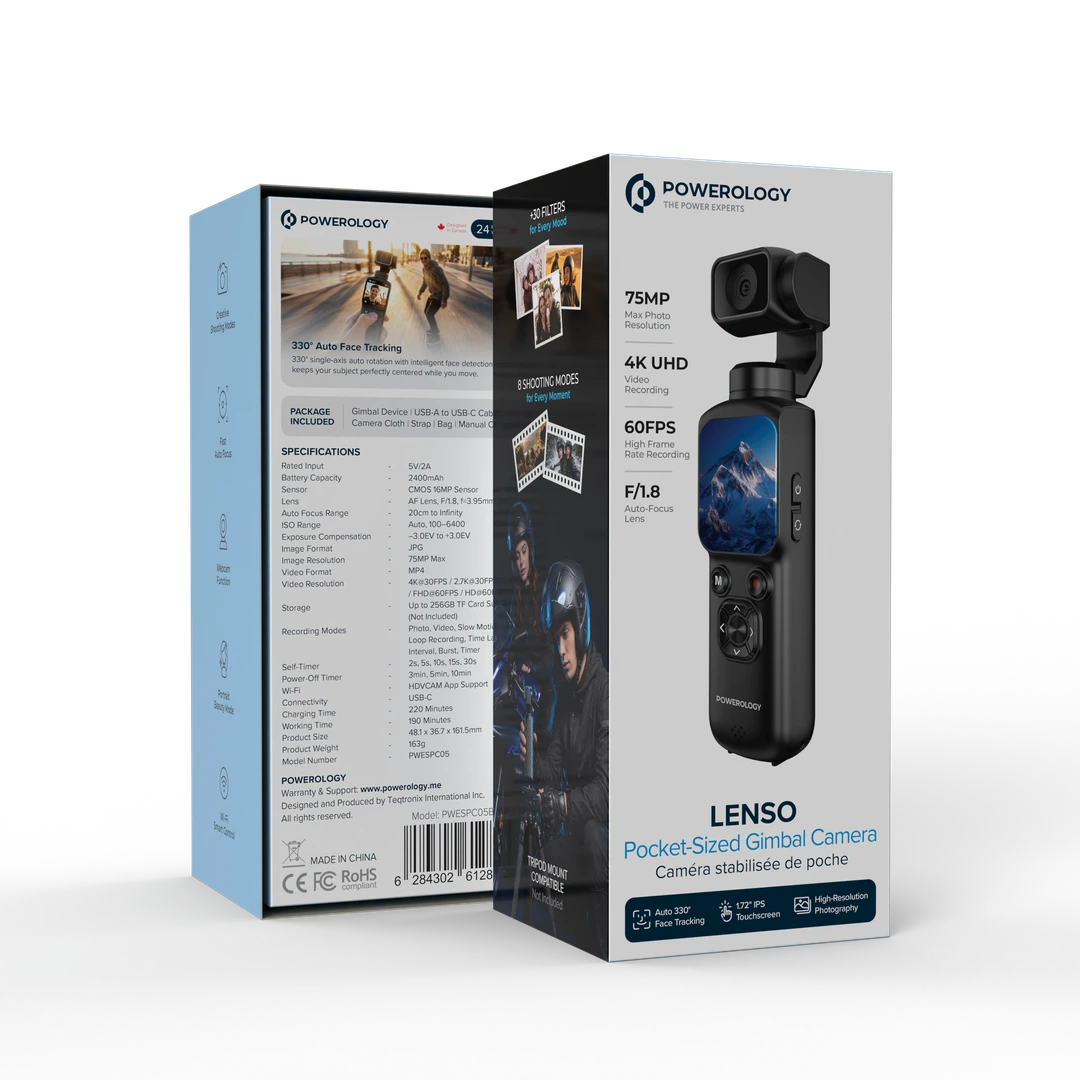
- Rated Input: 5V/2A
- Battery Capacity: 2400mAh
- Sensor: CMOS 16MP Sensor
- Lens: AF Lens, F/1.8, f=3.95mm
- Auto Focus Range: 20cm to Infinity
- ISO Range: Auto, 100-6400
- Exposure Compensation: -3.0EV to +3.0EV
- Image Format: JPG
- Image Resolution: 75MP Max
- Video Format: MP4
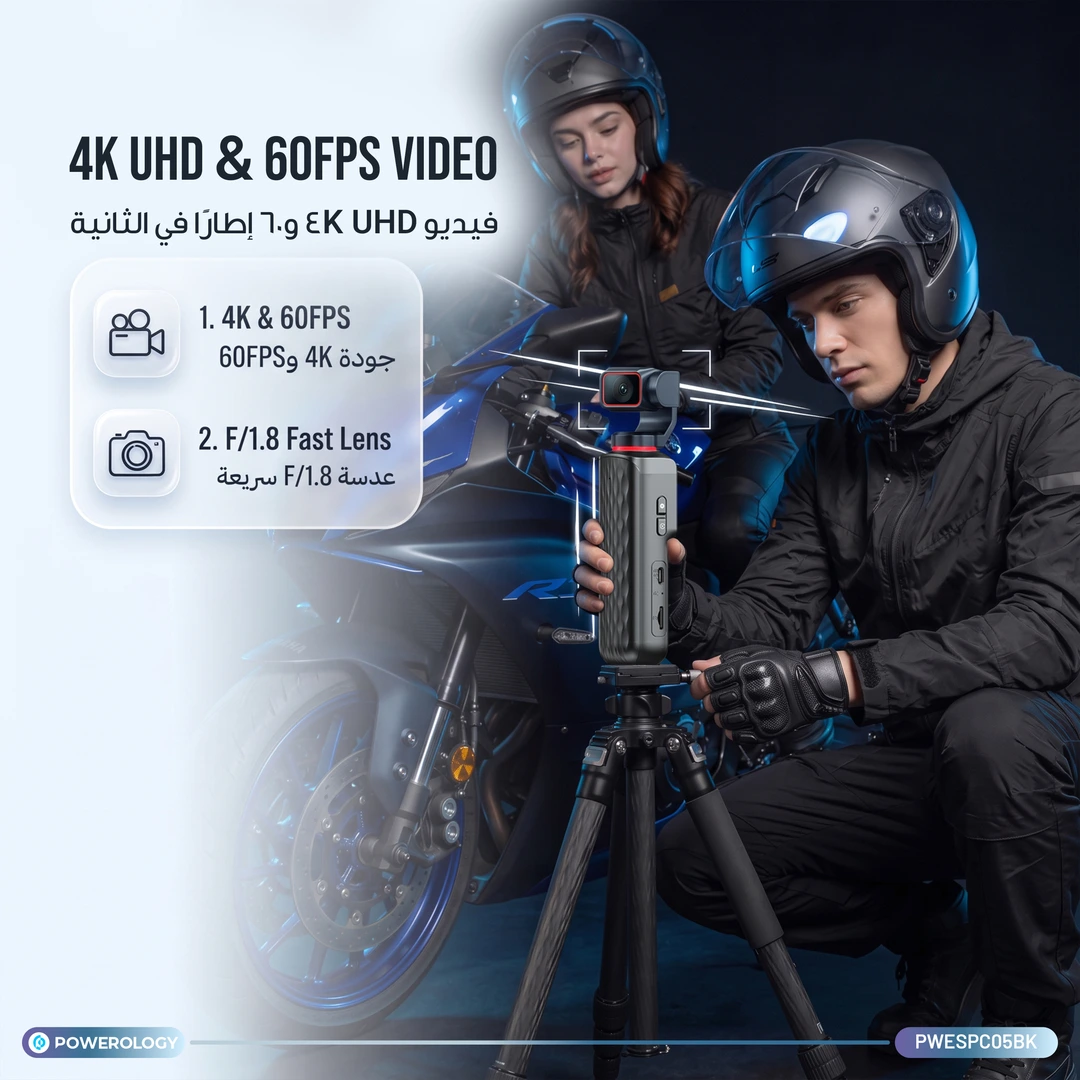
- Video Resolution: 4K@30FPS /2.7K@30FPS / FHD@60FPS/HD@60FPS
- Storage: Up to 256GB TF Card Support (Not Included)
- Recording Modes: Photo, Video, Slow Motion, Loop Recording, Time Lapse, Interval, Burst, Timer
- Self-Timer: 2s, 5s, 10s, 15s, 30s
- Power-Off Timer: 3min, 5min, 10min
- Wi-Fi: HDVCAM App Support
- Connectivity: USB-C
- Charging Time: 220 Minutes
- Working Time: 190 Minutes
User Manual
Powerology Lenso Pocket-Sized Gimbal Camera - Black
Download User Manual
To discover your product, scan the QR code or click on the button below to view the User Manual, Images, Videos and etc.
Your Dynamic Snippet will be displayed here...
This message is displayed because youy did not provide both a filter and a template to use.