A misplaced keyring can stall a morning; a bag left behind can derail an entire trip. Powerology ArcTag Find My Smart Tag - Black gives everyday essentials a simple digital fallback, pairing Bluetooth tracking with Apple Find My so compatible iPhone and iPad users can look for important items with less guesswork.
For travel, that reassurance is especially useful. A tracker cannot remove every travel variable, but it can make the familiar question—“Where did I put it?”—far easier to answer. Attach one to the things you routinely carry, check that they appear in Find My before leaving, and build a calmer routine around your essentials.
The key is to think beyond lost luggage. Keys, wallets, backpacks, passports kept in a bag, and daily carry items all move between home, work, transport and hotel rooms. Smart tags help create a repeatable way to check what matters before it becomes a problem.
Choose the attachment that suits your routine
The ArcTag is designed for keys, wallets and bags, with an ultra-compact form that fits naturally into a daily-carry setup. Its attachment opening makes it a straightforward choice when a keyring is already the centre of your routine. Keep it with the keys you use most often, rather than storing it separately where it cannot help.
For clip-on convenience, Powerology Grapple Find My Smart Tag - Black has an integrated zinc alloy carabiner. That makes it particularly practical for a backpack, work bag, belt loop or keyring—items where clipping and unclipping is part of the day. Its compact, lightweight construction is intended for everyday carry.
Both are Apple Find My-compatible and work with iPhone or iPad running iOS/iPadOS 14.5 or later. Choose by attachment style, then give the tag one clear job. A tracker is most helpful when it has a dependable home, not when it is moved between several items without updating your habit.
Build a better departure routine
Before a flight, train ride or road trip, create a short departure check: phone, wallet, keys, travel documents, bag. A smart tag belongs on the item most likely to be set down during that rush. For many people, that is a carry-on backpack or a keyring—not an item that stays safely packed at home.
Open Find My and confirm your tracker is visible before you leave. This small step matters because it turns the tag into an active part of your preparation rather than an afterthought. The ArcTag supports the Find My network for items farther away, while the Grapple is also designed for extended finding range through that network.
Use left-behind notifications on the ArcTag as another layer in this routine. They can warn you before you leave an item behind, which is valuable when moving between an airport lounge, taxi, hotel lobby and room. Notifications work best as a prompt to pause and check, not as a replacement for keeping valuables close.
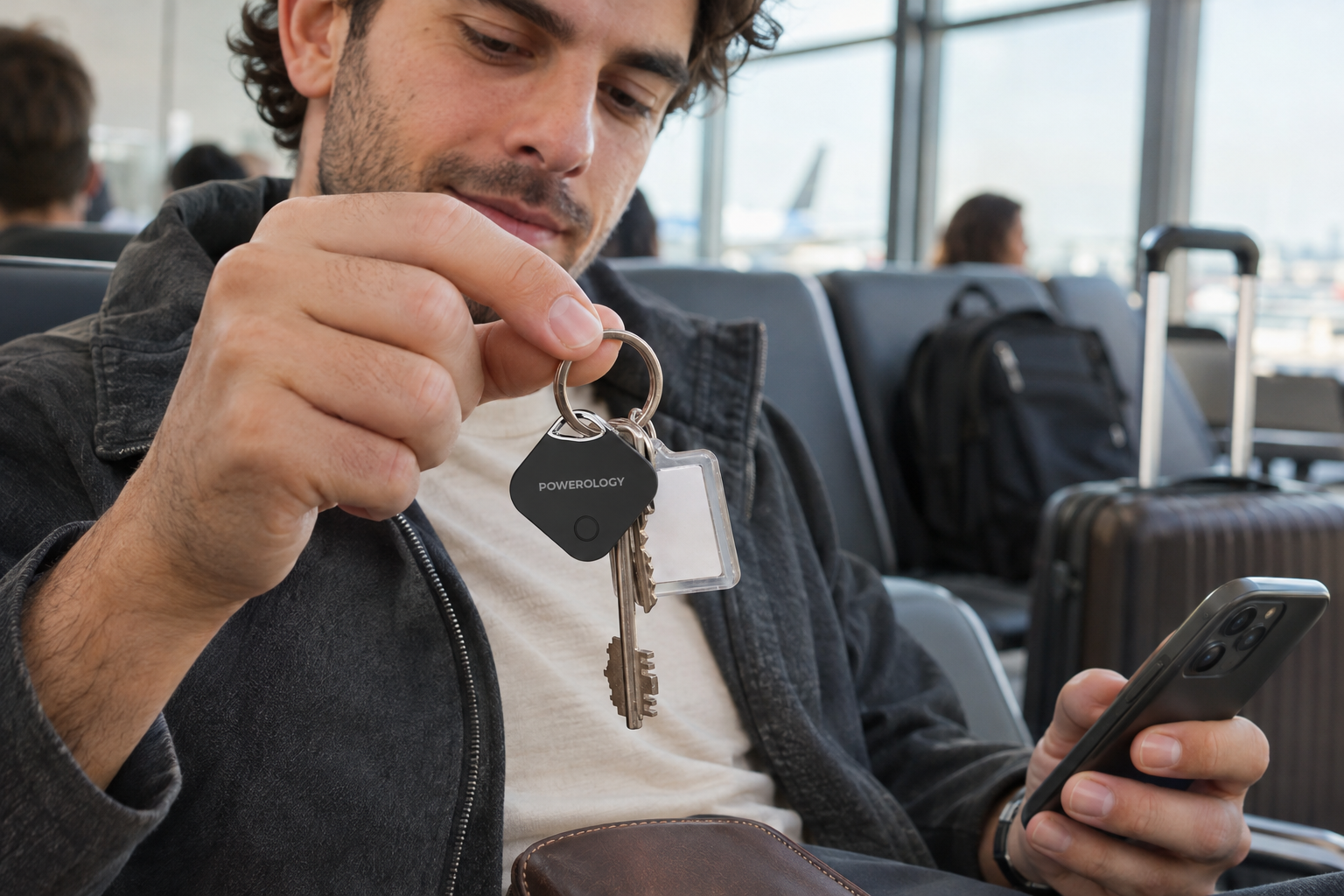
Find nearby essentials without turning the house upside down
Most missing-item moments happen close to home: keys slipped behind a console, a wallet tucked into yesterday’s bag, or a backpack moved to another room. In these situations, a built-in sound alert is often the fastest first move. Both tags offer sound alerts in the 60–80dB range to help locate a nearby item by ear.
Start with the obvious zones, then use the alert to narrow the search. Check the bag you used last, outerwear pockets, the entryway and the place where you unpacked. This is more efficient than repeatedly retracing an entire day, and it turns a vague search into a sequence of likely locations.
The Grapple has a local Bluetooth range of about 10 metres, useful for close-range checks around home, a hotel room or an office. Keep expectations practical: walls, furniture and surroundings can affect a Bluetooth search. The advantage is not magic—it is a clearer signal and a calmer process.
Give luggage and bags a recovery plan
A bag can change hands many times during travel, from check-in to transfers to a hotel reception. Putting a tracker on the bag you are responsible for gives you a useful reference point in Find My. The compact, splash-resistant designs of both tags suit the ordinary knocks and changing conditions of daily movement, without making water exposure part of the plan.
If an item genuinely goes missing, use the available tracking tools methodically. The ArcTag’s Lost Mode lets people who find the item help return it. Record the details you need for the airline, hotel or venue separately, and treat the tracker as a helpful part of a wider recovery process.
For a travel bag, attachment choice shapes convenience. The Grapple’s carabiner can clip onto an appropriate bag attachment point, while the ArcTag can be placed on a keyring or attached item within your travel setup. Keep the tag with your most consistently carried bag, not buried in something you may leave behind.
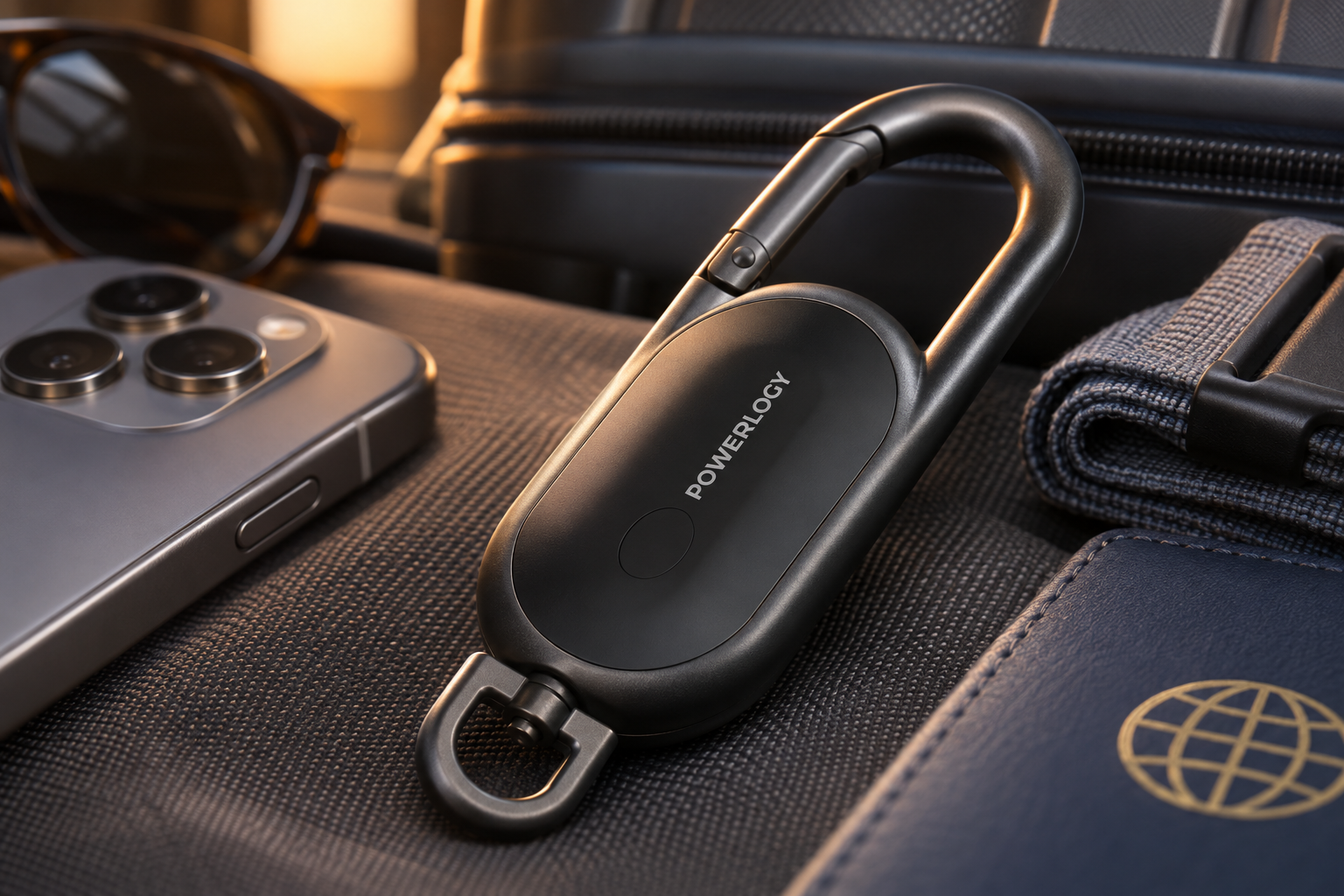
Make everyday carry easier to manage
Smart tags shine when they support the small hand-offs that happen every day: leaving the apartment, switching from a work bag to a gym bag, or dropping essentials on a dresser at night. Assigning a tag to a high-traffic item means you do not have to rely entirely on memory when that routine gets interrupted.
Consider the difference between a keyring and a backpack. Keys are easy to misplace in a small area, so a nearby sound alert is valuable. A backpack is more likely to be left in another location, so Find My network support and an established pre-departure check become more important. Match the tracker to the risk, not just the item.
Keep your setup simple. Avoid attaching a tag to something you rarely carry while leaving your daily essentials untracked. A focused approach—one tag on primary keys, one on the bag that leaves home with you—creates the kind of repeatable system that remains useful on busy days.
Keep power and compatibility in mind
Both trackers use a replaceable CR2032 battery and are rated for about 12 months of use or standby time, depending on the model. That long interval supports low-maintenance daily use, but it is still wise to make a note to check the tracker periodically—especially before a long trip.
Compatibility is equally important. The ArcTag works with Apple Find My on an iPhone or iPad with iOS 14.5 or later. The Grapple works with the Apple Find My app on devices using iOS/iPadOS 14.5 or later. Confirm your device meets that requirement before making trackers part of your routine.
When it is time to replace a battery, handle it responsibly and keep button batteries away from children and pets. The goal of an anti-loss setup is reliability, so do a quick Find My check after maintenance. A few seconds of verification helps ensure the tracker is ready before the next commute or departure.
Use smart tags as a habit, not a last resort
The best anti-loss device is the one you remember to keep with the item that matters. Make a quick Find My glance part of packing, and return keys, wallet and bag to consistent places at home. The tracker then reinforces a good habit instead of trying to rescue a disorganised routine.
For travel, assign responsibility before leaving: one person checks documents, another checks bags, and everyone confirms their own essentials. Use the ArcTag or Grapple to make the most vulnerable item easier to locate, while still keeping critical documents and valuables appropriately secure. Preparation and tracking work better together.
Whether you prefer the keyring-friendly ArcTag or the clip-ready Grapple, the benefit is the same: more confidence in everyday movement. With Apple Find My, sound alerts, compact construction and a consistent routine, you can spend less time searching and more time getting where you need to go.