Your smartphone or tablet is likely one of your most valuable everyday essentials — and screen damage is among the most common accidents. But with a Powerology screen protector, you can safeguard your device from scratches, cracks, and daily wear and tear. Picking the right protector isn't always straightforward, though. This in-depth guide will walk you through choosing the best screen protector for your phone or tablet, with practical advice on compatibility, durability, and installation. Whether you’re all thumbs or a tech-savvy pro, you’ll find everything you need to keep your screen looking flawless.
Why a Quality Screen Protector Is Essential
Modern devices like smartphones and tablets are built to be durable, but even with toughened glass, the risk of scratches and cracks is ever-present. Drops, bumps, and accidental scrapes can ruin an expensive device in an instant. A screen protector acts as a barrier that absorbs impacts and deflects sharp objects, taking the hit for your screen.
Beyond physical protection, many Powerology screen protectors also help reduce fingerprint smudges, glare, and even offer privacy features to keep prying eyes at bay. Investing in a good screen protector is often much cheaper than a screen replacement or repair, providing peace of mind for all device owners. Tablets, thanks to their larger surface area, are especially vulnerable, making a tablet screen protector guide like this even more crucial.
When you factor in the cost, hassle, and downtime associated with screen repairs, it becomes clear: device protection tips start with the right screen shield. Let’s explore how to make the smartest choice for your device.
Understanding Powerology Screen Protector Options
Powerology offers a range of screen protection solutions crafted with premium materials and engineered for diverse device models. Whether you have a flagship smartphone or a versatile tablet, Powerology caters to different needs and preferences. Some are designed for ultra-clarity, while others focus on privacy or anti-glare functionality.
Tempered glass protectors are the go-to for most users, featuring excellent impact resistance, clarity, and touch sensitivity. Flexible film protectors, meanwhile, provide a slimmer, nearly invisible layer of defense, perfect for curved or edge-to-edge displays. When considering durability, Powerology’s products are rigorously tested to withstand daily hazards without compromising display quality.
Make sure to check the packaging or online listing for details about each model’s compatibility and features. Look for terms like shatter-resistant or anti-fingerprint coating as indicators of top-tier protection. No matter your device, Powerology stands out with versatile and dependable screen protectors.
How to Match the Screen Protector to Your Device
Choosing the right screen protector starts with knowing your device’s make and model. Each smartphone or tablet has unique dimensions, sensor placements, and edge designs, so a generic protector won’t always do the trick. Powerology screen protectors are often labeled for specific devices, ensuring a precise fit that won’t interfere with cameras or speakers.
If you own a popular model, such as an iPhone or Samsung Galaxy, you’ll likely find dedicated options — but even lesser-known brands or tablets have solutions thanks to Powerology’s wide range. Always compare your device to the product information before buying. If you’re unsure, customer support or online Q&A sections are invaluable resources.
Beyond physical fit, consider usage. If your device gets shared among family (like tablets for kids), opt for extra-durable or thick tempered glass. For everyday solo use, a slimmer, clarity-first protector might be ideal. Matching the screen protector to your device maximizes both protection and user experience.
Durability and Materials: What Really Matters
Not all screen protectors are created equal. Powerology uses high-grade materials chosen for toughness and longevity. Tempered glass is renowned for its hardness — typically rated 9H on the Mohs scale — making it resistant to scratches from car keys, coins, and more. This type of protector also offers an authentic glass feel, preserving your device’s responsiveness.
Consider the edge style: 2.5D rounded edges look seamless and feel smooth under the finger, while full-coverage designs wrap onto curved screens for maximum protection. Films, although thinner, offer flexibility and self-healing properties to recover from minor scratches.
Durability isn’t only about withstanding a drop; it’s about surviving daily abrasion, temperature changes, and cleaning solutions. Powerology’s protectors are also designed to minimize discoloration and yellowing over time. When you invest in premium materials, you ensure that your device remains protected day after day.
Key Features to Look For
Screen protectors aren’t just about defense — they come with a range of features to improve your experience. A leading choice, the Powerology screen protector, may offer several of the following:
- High transparency – Ensures excellent clarity and vibrant colors, preserving your screen’s original detail.
- Oleophobic coating – Resists fingerprints and smudges, making cleaning much easier.
- Anti-glare finish – Reduces reflections, ideal for outdoor or bright environments.
- Bubble-free application – Special adhesives minimize air pockets and ease installation.
- Case-friendliness – Designed to work with most phone and tablet cases without lifting or peeling at the edges.
These features directly impact not just device protection, but also your everyday ease of use: no more persistent smudges, frustrating glare, or tricky fit issues.
Installation Tips for a Flawless Finish
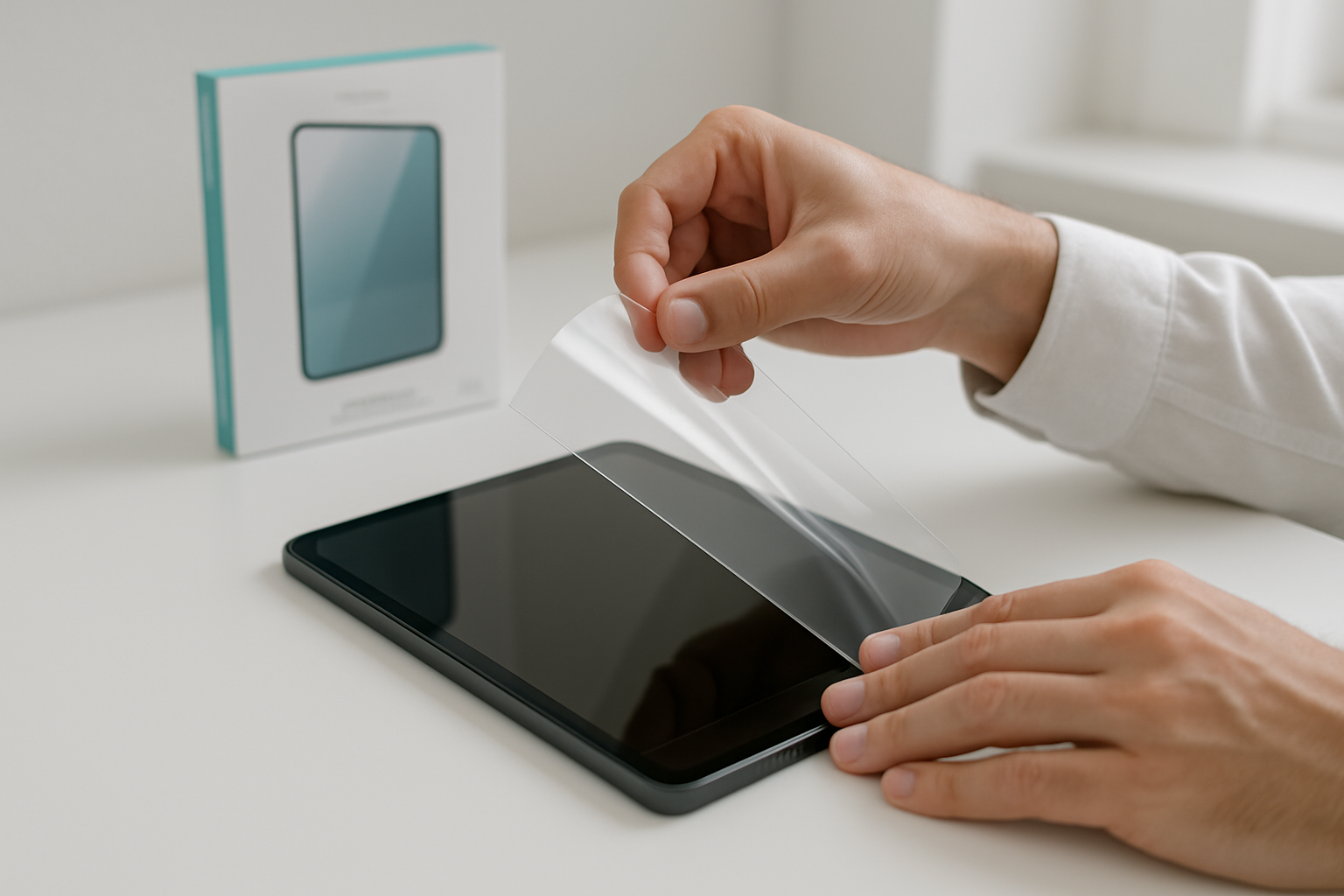
Even the best screen protector for phone won’t perform its job if it’s not installed correctly. Preparation is key: start in a dust-free room and clean your device’s screen thoroughly with the included kit. Any dust or oil left on the glass can lead to bubbles and poor adhesion.
Carefully align the Powerology screen protector with the edges and cut-outs, ensuring sensors and cameras stay unobstructed. Use the provided sticker or dust-remover tape to lift any stray particles before final placement. Let the adhesive settle by pressing gently from the center outward, using a card or squeegee to push out air pockets for a crystal-clear finish.
If you do get a bubble, don’t panic. Small ones often disappear after a day or two. For stubborn bubbles or misalignment, carefully peel up just the edge and try smoothing it again. Powerology’s protectors are engineered for easy and forgiving installation, so even beginners can achieve near-invisible results.
Maintenance and Longevity: Keeping Your Protector in Top Shape
A screen protector is only as good as its condition. Even though Powerology products are scratch-resistant and durable, regular maintenance extends their lifespan. Every few days, quickly clean the surface with a microfiber cloth dampened slightly (never soak your device) to keep visibility sharp and prevent smears.
If your protector develops minor scratches, some flexible films can self-heal over time. For tempered glass, check periodically for chips at the corners or edges, which could compromise future protection. Should you notice major cracks after a drop, replace the protector immediately — it’s fulfilled its purpose!
Proper maintenance ensures you get the most from your investment and keeps your device’s resale value high. Following these device protection tips means your tech always looks and performs its best.
Device-Specific Advice: Phones vs. Tablets
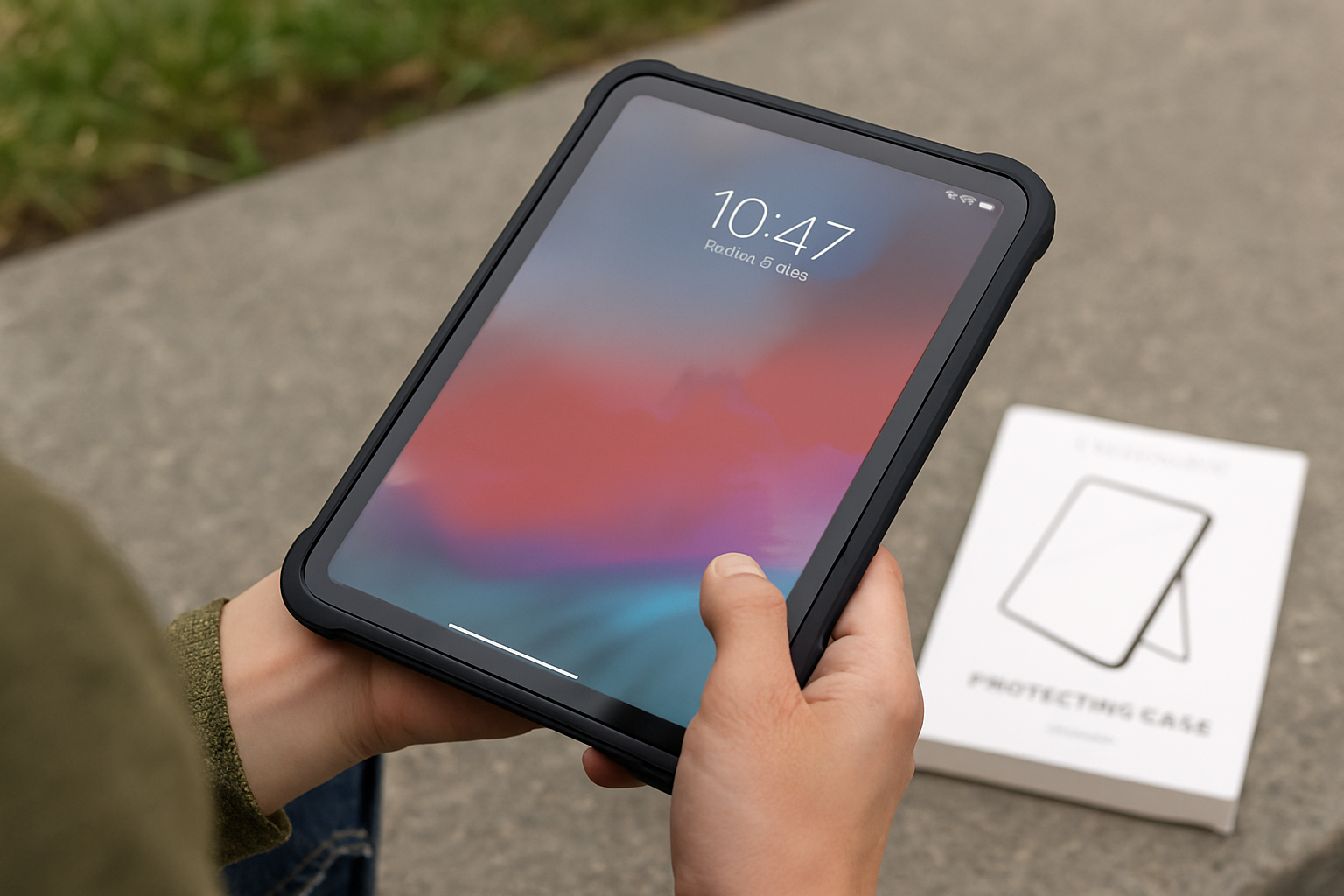
Phones and tablets face different challenges, so your approach should vary accordingly. Phones are more likely to be dropped, thanks to their on-the-go use — so prioritize maximum impact resistance and compatibility with your favorite case. A Powerology tempered glass protector is generally the best choice here.
Tablets, meanwhile, see more exposure to scratches (especially if used with a stylus or by kids). For tablets, consider anti-glare or fingerprint-resistant coatings, as surface area makes cleanliness a bigger deal. And because tablet screens are more expensive to replace, don’t skimp on thickness and edge coverage.
No matter the device, always check that your chosen protector supports touch and display responsiveness, especially if you use your tablet for creative work or gaming. The right Powerology protector will feel invisible, only making itself known when it saves the day.
Troubleshooting & When to Replace Your Screen Protector
Sometimes, even with perfect installation, issues arise. Common problems include persistent bubbles, rainbow effects, or peeling at the corners. In most cases, carefully smoothing out or reapplying the protector can solve these problems. For advanced issues, it might help to gently lift and re-seat your Powerology protector, ensuring the screen is perfectly clean beneath.
If your protector becomes cracked after a fall, or it loses adhesion, don’t put off replacing it. Continuing to use a damaged screen protector can reduce its effectiveness and even trap dirt against your device’s display.
Remember, installing a fresh Powerology screen protector is far easier — and cheaper — than dealing with a shattered screen. Keep a spare on hand for quick swaps, and you’ll always be ready for whatever life throws your way.
Where to Buy and What to Look for in Genuine Powerology Products
To guarantee quality and compatibility, always purchase Powerology screen protectors from authorized retailers or Powerology’s official site. This ensures you receive original, high-grade products with full support and warranty. Look for clear labeling, quality packaging, and — if shopping online — trusted e-commerce platforms with positive reviews.
Counterfeit or generic options may be tempting, but they lack the precision and protection of genuine Powerology. Stick with trusted sources and consult the detailed tablet screen protector guide or store staff if you’re unsure. Your device deserves nothing less than the best.
For the latest range and custom fits for new phone and tablet models, check Powerology’s website frequently. Upgrading your screen protection is a small investment that pays off in confidence and convenience every day.
Protecting Your Device, Simplified
Choosing and installing the right Powerology screen protector is one of the smartest moves anyone can make to keep their device looking and functioning like new. With a little knowledge about compatibility, materials, and care, you can easily select the best screen protector for your phone or tablet — and enjoy peace of mind wherever life takes you. Don’t risk pricey repairs or lost productivity. Protect your smartphone or tablet with Powerology, and see the difference for yourself.